Qwen Image 2.1
Generate and edit images locally on Apple Silicon with Qwen Image 2.1, acceleration LoRAs and Qwen Control.
Mac / MLX guide ZImageApp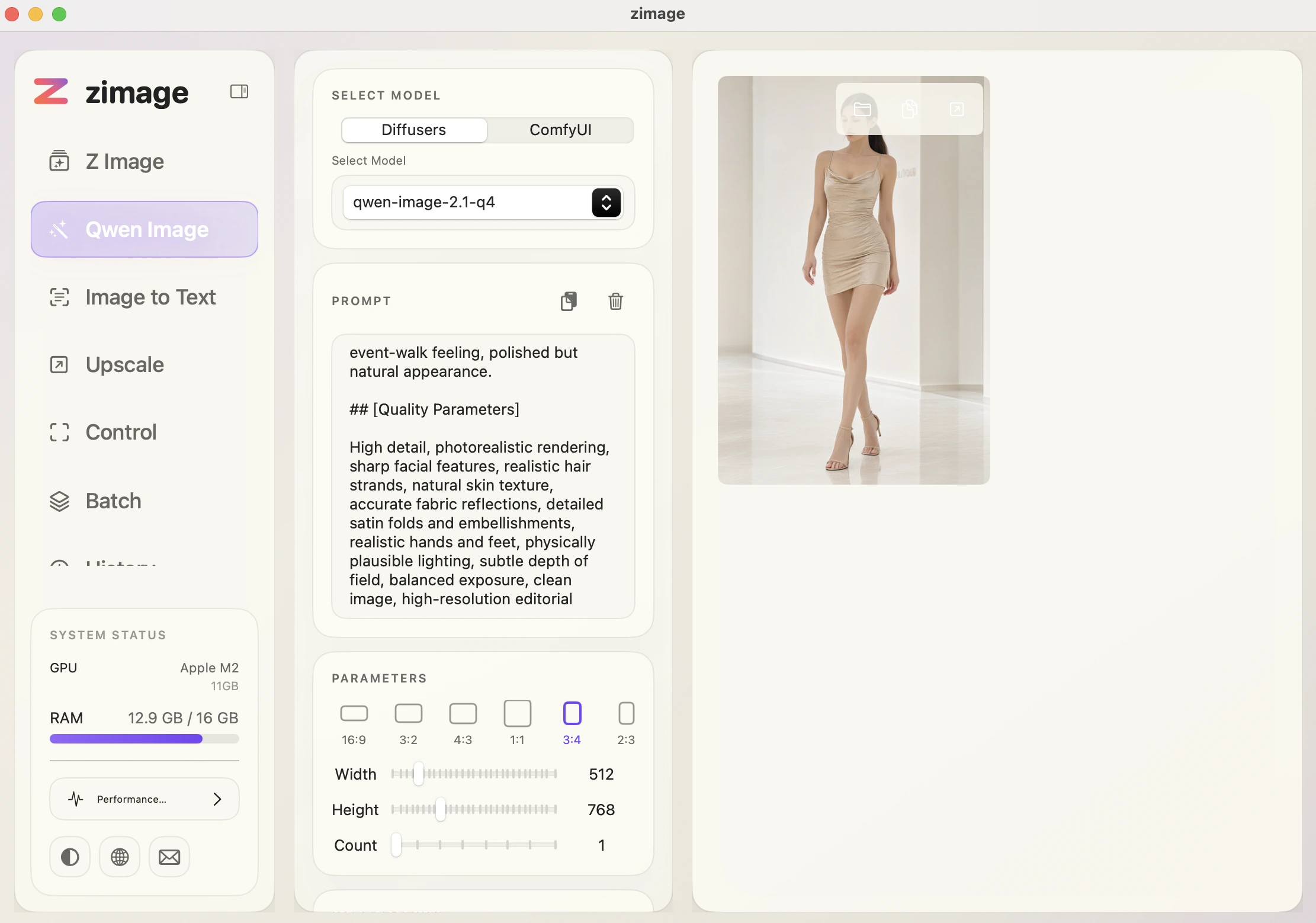


An optional computation path for supported models; compare speed and memory use on your Mac.
FLUX 3, Krea 2 Turbo and Iris join Qwen Image 2.1 and Turbo.
Native inference code included; models download separately. Apple Silicon · macOS 15+.
APPLE SILICON · SWIFT / MLX
Qwen Image 2.1, Qwen Image 2.1 Turbo, FLUX 3, Krea 2 and Iris — native Swift / MLX on Apple Silicon, with optional FP16 Dense acceleration.
Generate and edit images locally on Apple Silicon with Qwen Image 2.1, acceleration LoRAs and Qwen Control.
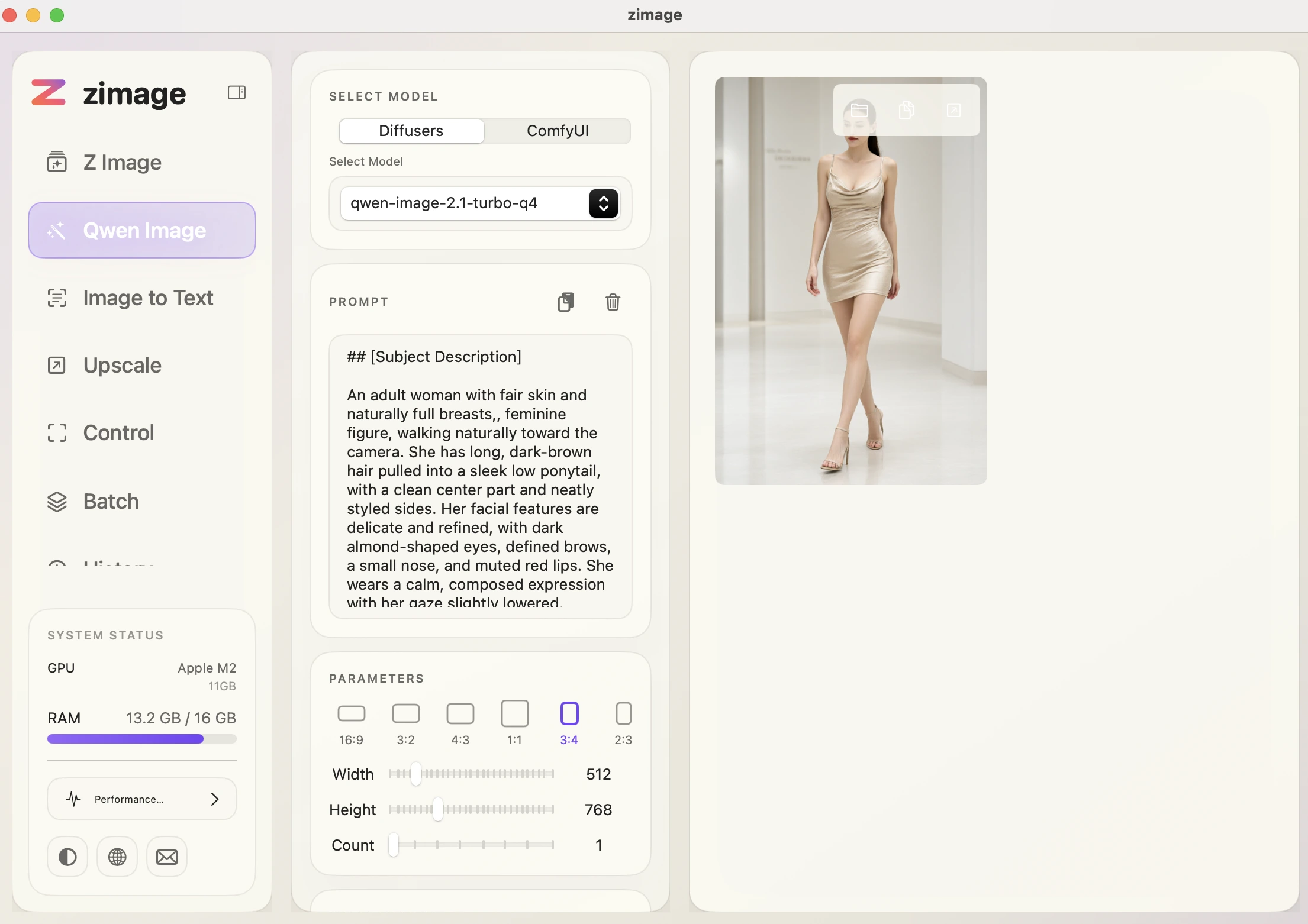
Mac / MLX guideUse the dedicated Qwen Image 2.1 Turbo model locally on Mac with native Swift / MLX inference.
Mac / MLX guideRun FLUX 3 locally on Apple Silicon with ZImageApp v2.1.0, configurable model paths and optional FP16 Dense.
Mac / MLX guideGenerate with Krea 2 Turbo locally on Mac using native Swift / MLX, model path settings and optional FP16 Dense.
Mac / MLX guideRun Iris locally on Apple Silicon in ZImageApp v2.1.0 with native Swift / MLX and optional FP16 Dense.
Mac / MLX guideExplore optional FP16 Dense computation for supported image models in ZImageApp on Apple Silicon.
Mac / MLX guideZImageApp v2.1.0
Qwen Image 2.1, Qwen Image 2.1 Turbo, FLUX 3, Krea 2 and Iris — native Swift / MLX on Apple Silicon, with optional FP16 Dense acceleration.
01
Create with Qwen-Image-2.1, then add acceleration and editing LoRAs to shape the result.
02
Select the built-in Turbo model and generate locally on Apple Silicon.
Initial release with basic ZImageApp generation running locally on Mac.
Added Image to Text, Upscale, and Batch Processor features while improving the local creation workflow.
Started the 1.0 line with a redesigned UI, separate ComfyUI component loading, Cache DiT speedup, SeedVR2 super-resolution, and Chinese/English UI.
Patch release for the signed DMG startup issue in v1.0.0.
Adds native FLUX 3, Krea 2 Turbo and Iris, optional FP16 Dense acceleration, model path settings and a standalone signed, notarized app.
More quality and performance work for Inpaint, Z-Image Image-to-Image, and Z-Image-Base is planned.
Images to LoRA, non-Apple-Silicon builds, Mac App Store release, and a one-time-purchase Pro version are planned.
A Mac-friendly Images to LoRA workflow is planned for a future release.


Image understanding, sharper exports, and batch workflows for local creation.

Extract descriptions from images to organize assets and create new prompts.

Increase image resolution in one click with clearer details.

Process large image sets efficiently with fewer repeated steps.
Get the latest ZImageApp updates, tutorials, and exclusive benefits first.
By subscribing, you agree to receive ZImageApp related news. We respect your privacy.